A GHL theme for every destination your brand has in mind
Swap GoHighLevel's stock blue for a look that belongs to your tours. Start from one of 27 complete themes, pair it with a UI kit, drop in your logo and colour, flip on dark mode if you like. No GHL custom CSS to write.
What changes when you install a GoHighLevel theme?
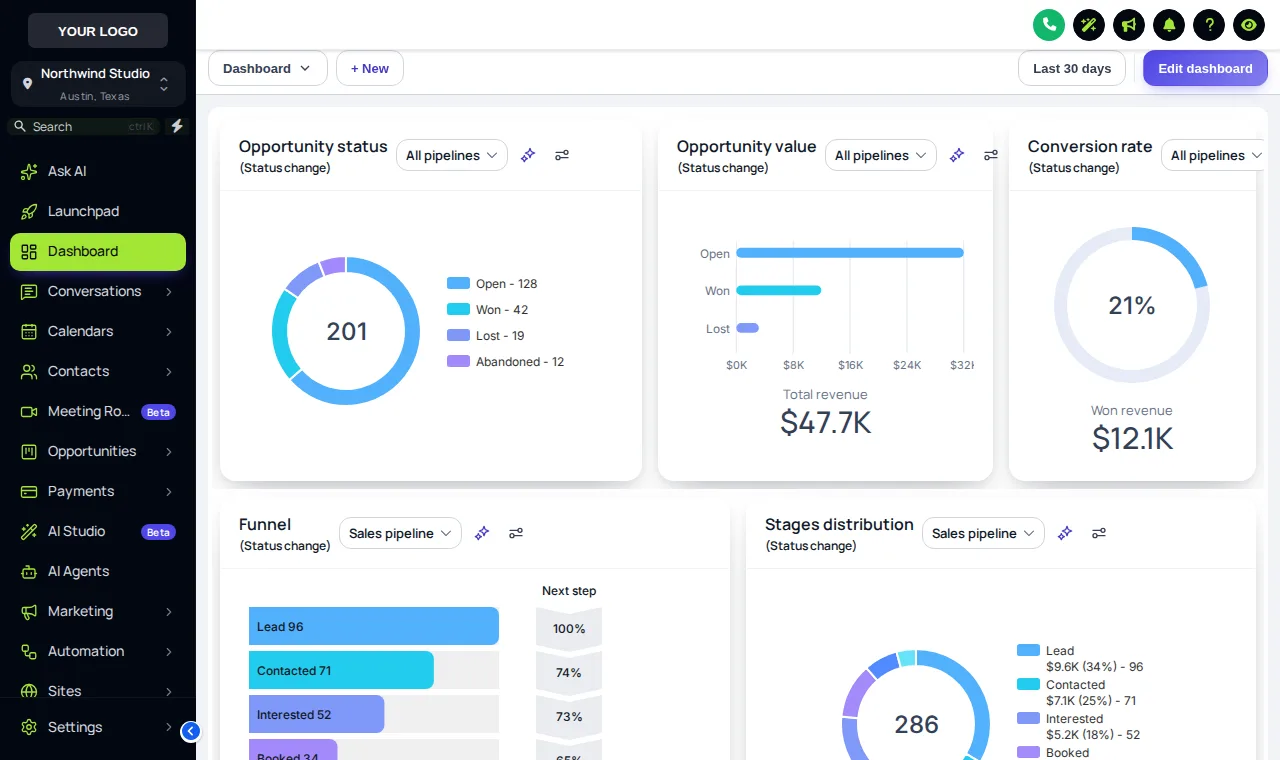
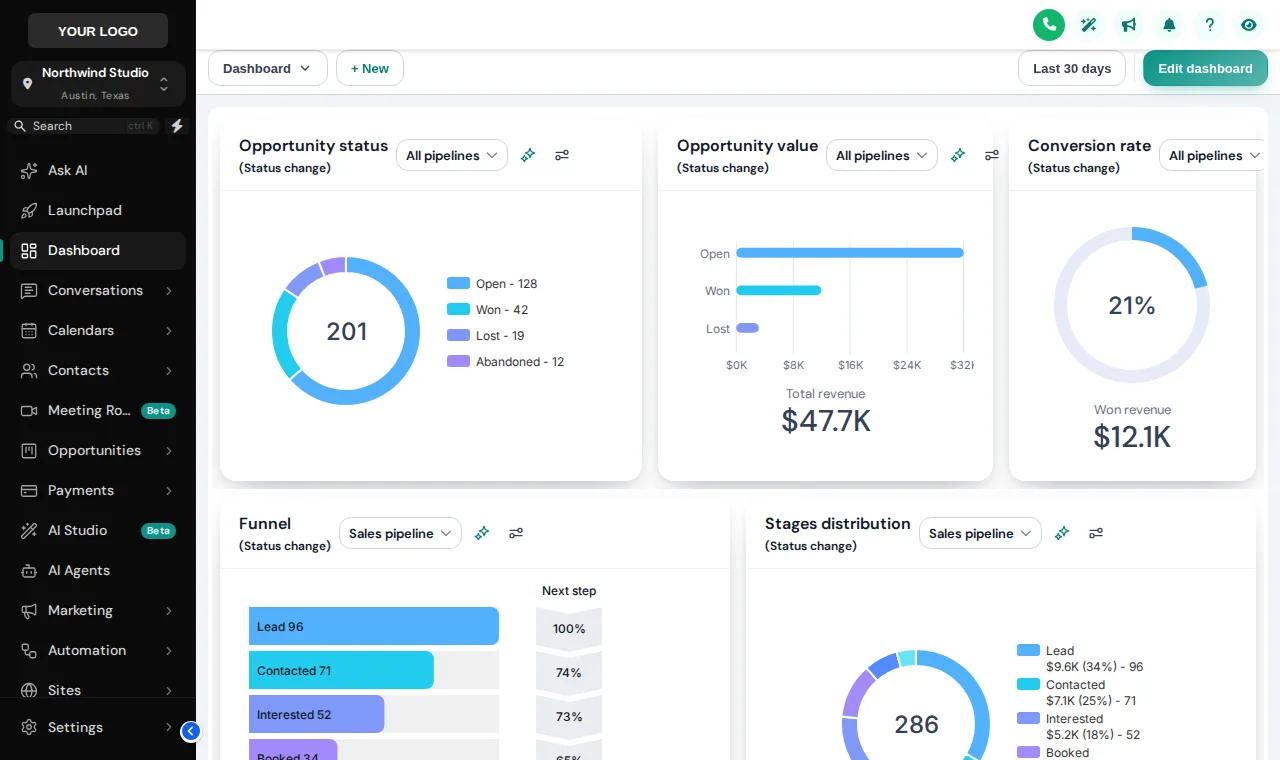
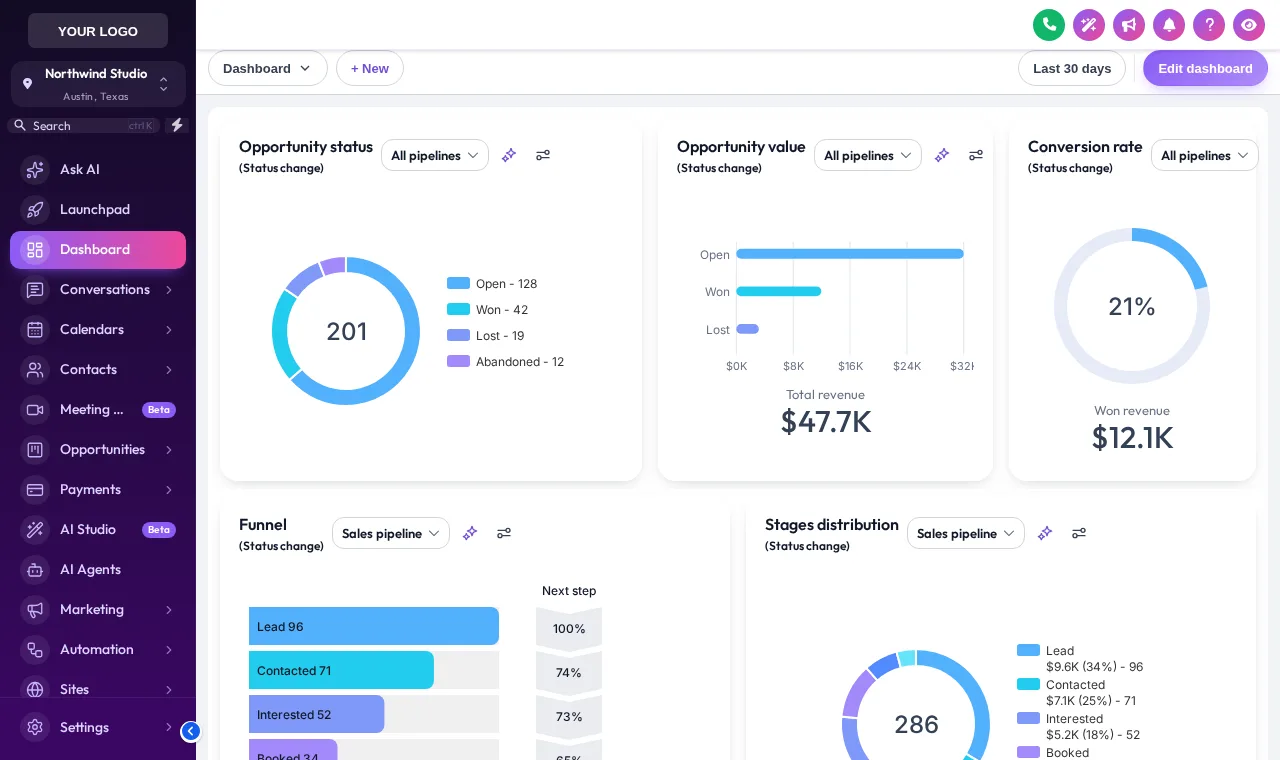
A GoHighLevel theme from the customizer restyles the whole app: sidebar, header, backgrounds, type, buttons, tables and forms, with your logo and brand colour replacing the stock blue. You choose from 27 themes and 11 UI kits, add dark mode if wanted, and install with one line. Workflows and data are untouched.
- 27
- complete themes
- 11
- UI kits for cards, buttons, tables and forms
- 3
- dark themes for after-hours admin
- 297
- theme and kit pairings before you even change a colour
Try GoHighLevel themes, UI kits and dark mode on a live account
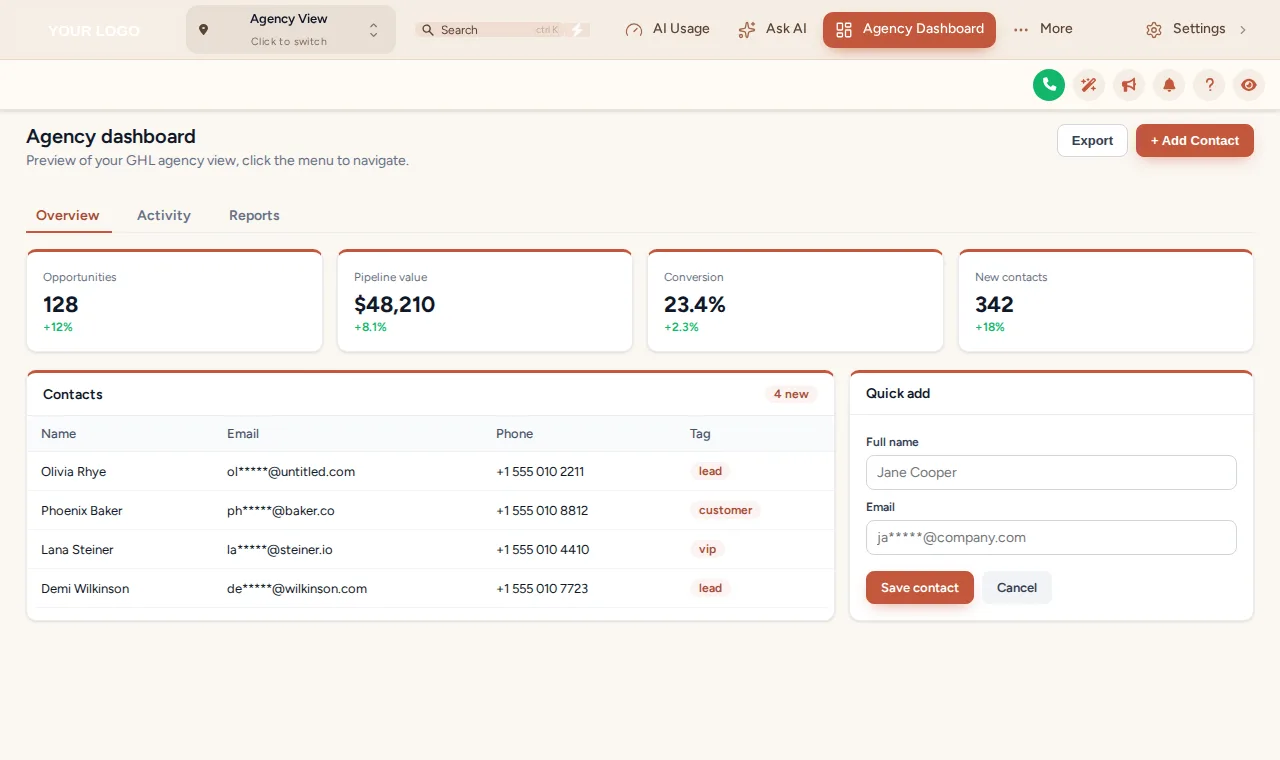
Editorial Studio with the Elevated kit loads first. Show all 27, swap the kit, view it as the agency, or open the Dark mode tab.
This is the real customizer engine restyling a sample GoHighLevel account. The menu inside the window is clickable.
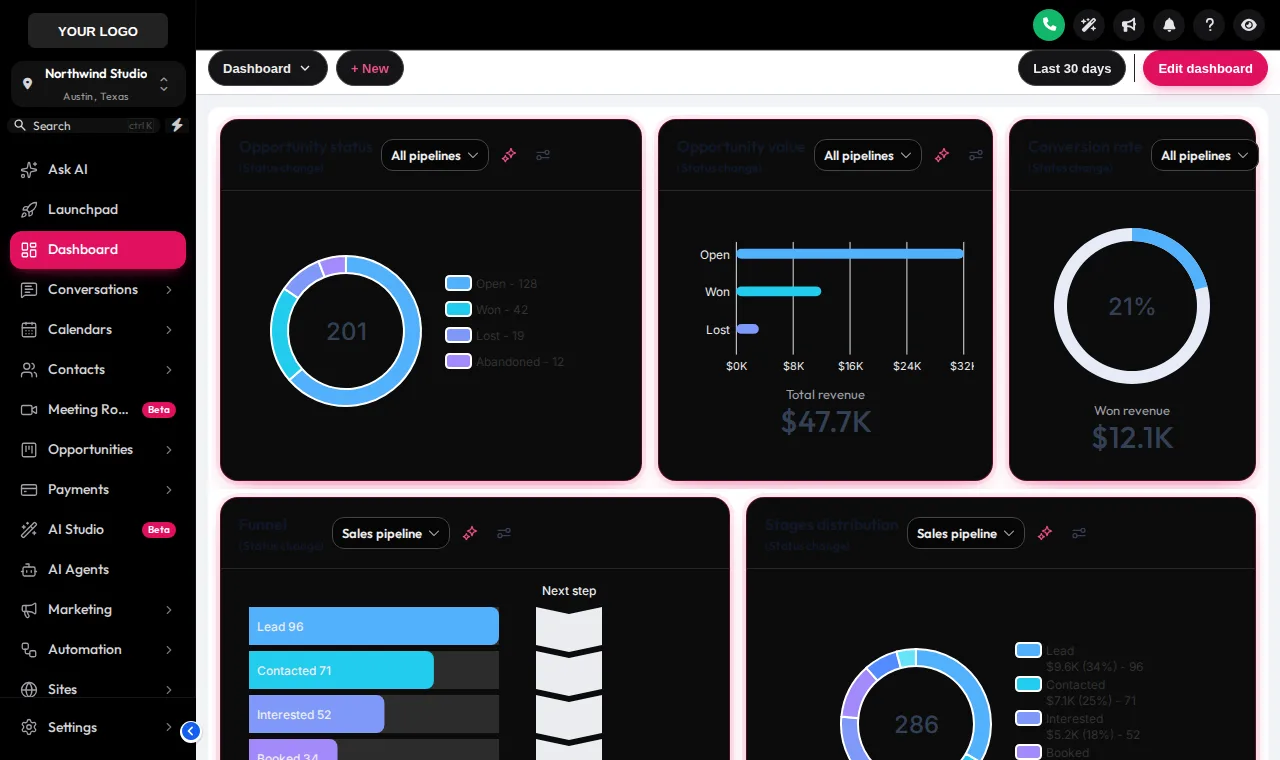
Replay loaderDark themes give GoHighLevel pages their own dark surfaces, borders and text colours, for late-night booking admin.
Loading the live preview…
All 27 themes, with the travel-ready ones marked
Each swatch shows the sidebar and accent colour. Names come straight from the editor. The amber stamp marks themes whose palettes already feel like a destination.
- Midnight EmberDark navy sidebar, orange energy
- Arctic CleanWhite top bar, crisp blue SaaS look
- Ocean GlassFrosted glass over an ocean photo, right dock
- Forest FinanceDeep green, side accents, calm & trustworthy
- Neon NightsPurple-to-pink glow, bold and modern
- Mono StudioBlack & white brutalist, top bar
- Sunset CoralWarm peach sidebar, round & friendly
- Royal Navy & GoldPremium navy with gold highlights
- Lavender DreamPastel lilac, soft & airy
- Slate CorporateNeutral slate & indigo, compact & efficient
- AuroraGlass sidebar over a northern-lights photo
- Desert SandEarthy beige & terracotta, top bar
- Midnight SkyDeep violet night, twinkling stars on the login
- Editorial StudioCrisp black & teal, magazine-style login
- Cinematic CityAmber city lights, full-screen photo login
- Care DeskFriendly support blue, split photo login
- Prism ProDark indigo with a colour-ring login
- Pastel MeshSoft light theme, morphing colour login
- Alpine GlassFrosted glass over misty mountains
- Creative AgencyCrisp white & rose, top bar, photo-wall login
- Golden HourWarm peach & amber, sunrise-hills login
- Deep SpaceMidnight blue & cyan, orbiting-planets login
- Cyber LimeNear-black with electric lime, light-beam login
- Holo PearlPearl white with pink-violet foil, holographic login
- Graphite ProDark mode · soft graphite with an indigo glow · dark
- Obsidian OLEDDark mode · true black with a vivid raspberry glow · dark
- Midnight MintDark mode · deep navy with fresh mint accents · dark
GoHighLevel dark mode for the after-the-last-tour shift
The day ends, the vans are parked, and someone still has tomorrow's itineraries to send. 3 dark themes (Graphite Pro, Obsidian OLED, Midnight Mint) give every GoHighLevel page dark surfaces, readable borders and softened text, not a crude colour inversion.
- Dark backgrounds on lists, forms, tables and modals
- Your brand colour kept as the accent
- Included from Day Trip
11 UI kits change the feel without changing the theme
Same colours, different texture. Elevated lifts cards off the page, Glass frosts them, Brutalist gives them thick outlines, Rounded Pill softens every button. Pair any kit with any theme:
Soft Shadow · Bordered Flat · Elevated · Glass · Accent Top · Side Accent · Brutalist · Studio Gradient · Halo Glow · Crisp Highlight · Rounded Pill
Someone else's blue on your back office
- Stock GoHighLevel colours that match none of your brand
- Hand-edited CSS that breaks after updates
- Bright white screens at 11pm
A portal that looks like your tours
- Your logo and colour on every page and button
- A hosted theme you change in an editor
- Dark mode for late admin, light for the day
Install a GHL theme in four steps
- Step 1
Start from a theme
Choose one of 27 complete themes. Each sets the sidebar, header, page background, type and corner radius, and many come with a matching login design.
- Step 2
Pick a UI kit
Apply one of 11 UI kits to restyle cards, buttons, inputs, tables, tabs and modals in one click.
- Step 3
Swap in your brand
Upload your logo, set your brand colour and let the colour remap replace GoHighLevel’s stock blue everywhere it appears. Switch on dark mode if your team wants it.
- Step 4
Install once
Paste one line into Agency Settings → Company → White Label → Custom JS. Every sub-account picks up the theme on its next page load.
Included in Day Trip ($177 one-time) and in Explorer and Grand Tour.
GHL theme and dark mode questions
Themes, kits, colour remap and dark mode, explained for travel brands and their agencies.
Still wondering about something? Ask us directly and a person from our support team writes back.
What is a GHL theme?
What is a UI kit and how is it different from a theme?
Does GoHighLevel have a dark mode?
Will my brand colour replace the GoHighLevel blue?
Do I need to know GHL custom CSS?
Does the theme reach every sub-account?
Can the agency view look different from the operator view?
Which themes suit a travel company?
Is the GoHighLevel white label theme included in the cheapest package?
Can I undo a theme if the team does not like it?
Next stops on the tour
A theme sets the colours. These stops shape the screens your team uses inside them.
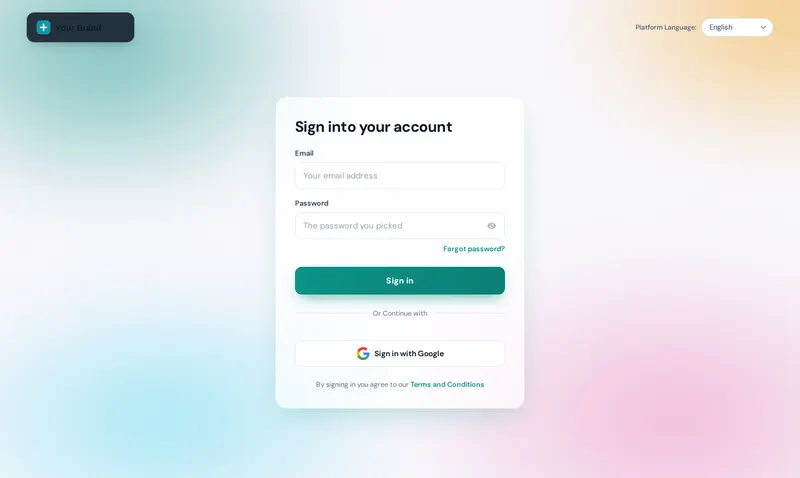 Stop 01Login page designsSign-in, two-factor and reset in one travel-ready design.From Day Trip
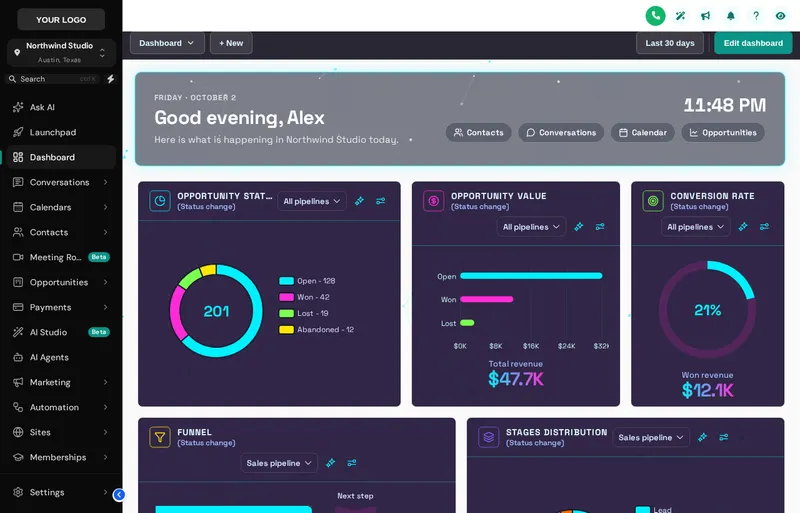 Stop 03Dashboard designsA home screen your reservation desk wants to open.From Explorer
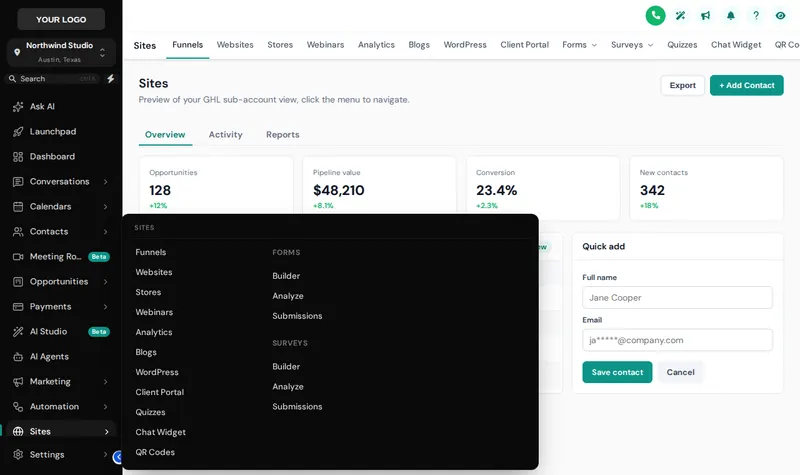 Stop 04Menus and navigationSidebar, top bar and mega menus named your way.From Explorer
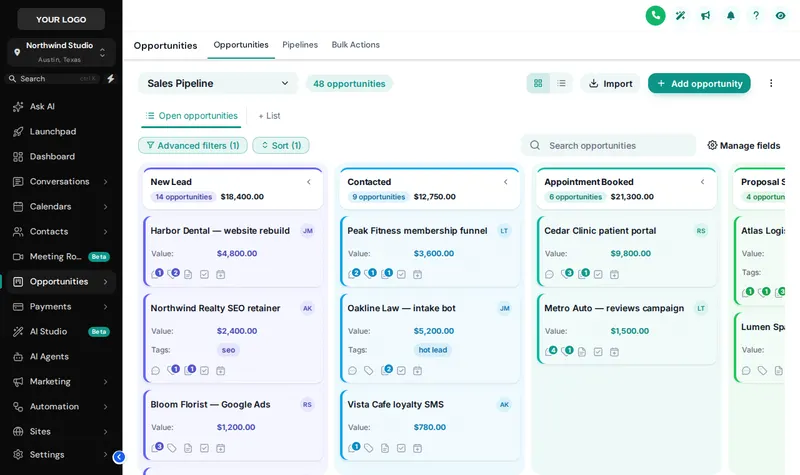 Stop 07Pipeline board designsInquiry to departed, readable at a glance.From Explorer
Repaint the whole coach in one afternoon
Every theme, UI kit and dark mode, plus all 16 login designs, come with Day Trip. One-time, lifetime, login in minutes.
Secure one-time payment by Stripe · login emailed within minutesIndependent product. GoHighLevel and HighLevel are trademarks of HighLevel Inc. GHL Tourism Snapshot is an independent business and is not an official partner, employee or reseller of HighLevel. GHL Customizer accounts run on the GHL Customer Care customizer platform; you customize and install the look yourself. The screenshots in this section are our own captures of the customizer's preview engine running on sample data, and every sample name in them is made up.
Your Explorer account
Self-serve account · login emailed within minutes (max 24 h) · lifetime access